
Note that if you have manually uninstalled a previous version of Sharperlight, Client Setup settings are retained and Sharperlight 4.8 will re-use these settings.
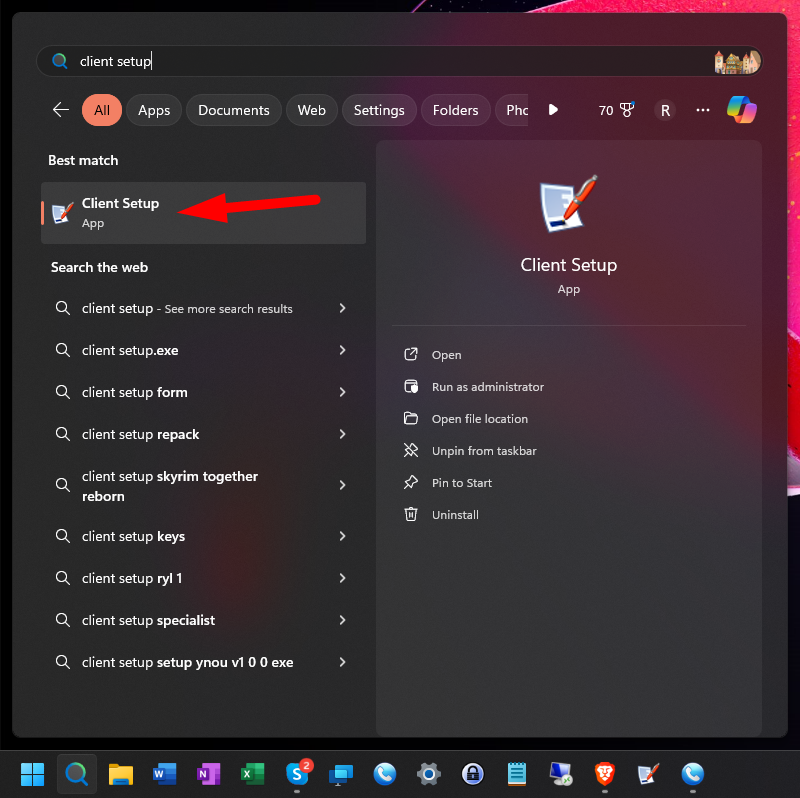
If you are installing Sharperlight for the first time you will need to use Client Setup to define access to your Sharperlight service. Open Client Setup.
The following window will be displayed.
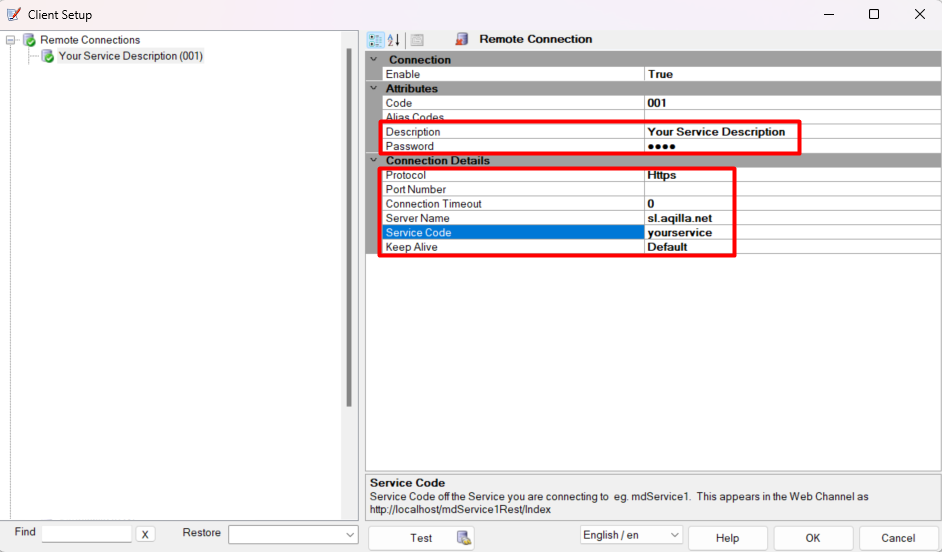
Click on Remote DataModel Service (001) and check the client set-up is as shown below.
|
Field |
Required Input |
|---|---|
|
Description |
give your service a name - usually an organisation name |
|
Password |
will be given to you by your consultant or Aqilla Support |
|
Protocol |
https |
|
Port Number |
leave blank |
|
Connection Timeout |
0 |
|
Server Name |
sl.aqilla.net |
|
Service Code |
will be given to you by your consultant or Aqilla Support |
Click Test to confirm a successful connection.
Click OK to save all the setup changes.