
Once the Aqilla MS Excel Add-in has been installed you can use it by opening MS Excel and clicking on the Aqilla tab.
This will present the options shown below. You need to start by clicking on Login.
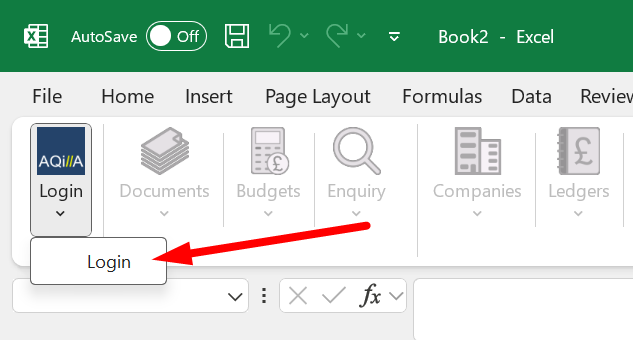
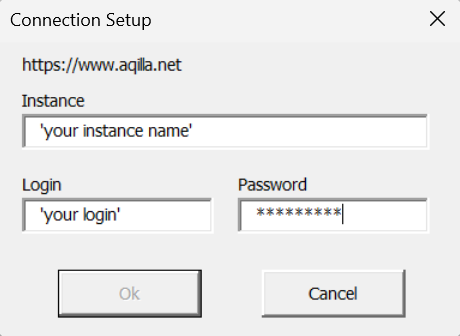
This will open a dialogue that asks you to enter the instance name you wish to connect to and the credentials for that instance:
Enter your instance name not the full Url.
I.e. http://aqilla.net /InstanceName
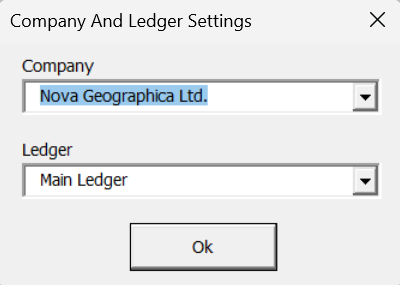
You will then be asked to select a company and ledger:
If you have a single company instance you will not be able to change company. For background see Multi-Company Accounting
After a successful login you will have a range of options. You can use the buttons to add documents, budgets and references
When you have been authenticated you will be able to switch companies, ledgers and posting periods using these buttons.
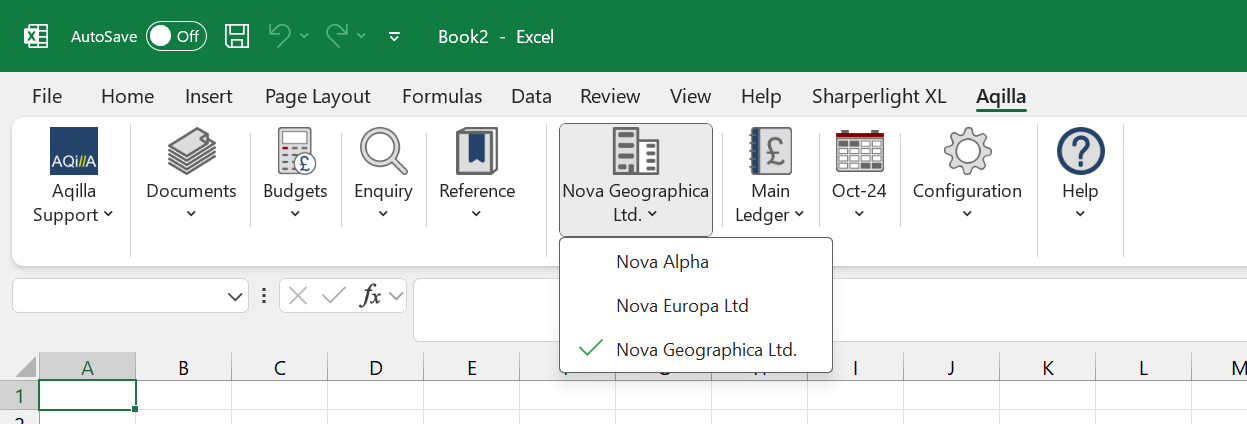
Current Period and selecting a Posting Period is available on the button shown on the right.
Error Message: Can't connect to the service: Server Authentication Failed
This means that you are not using the correct login credentials for that instance. Please check your user name and password