
The functionality of this page has been replaced by our Fixed Asset Register
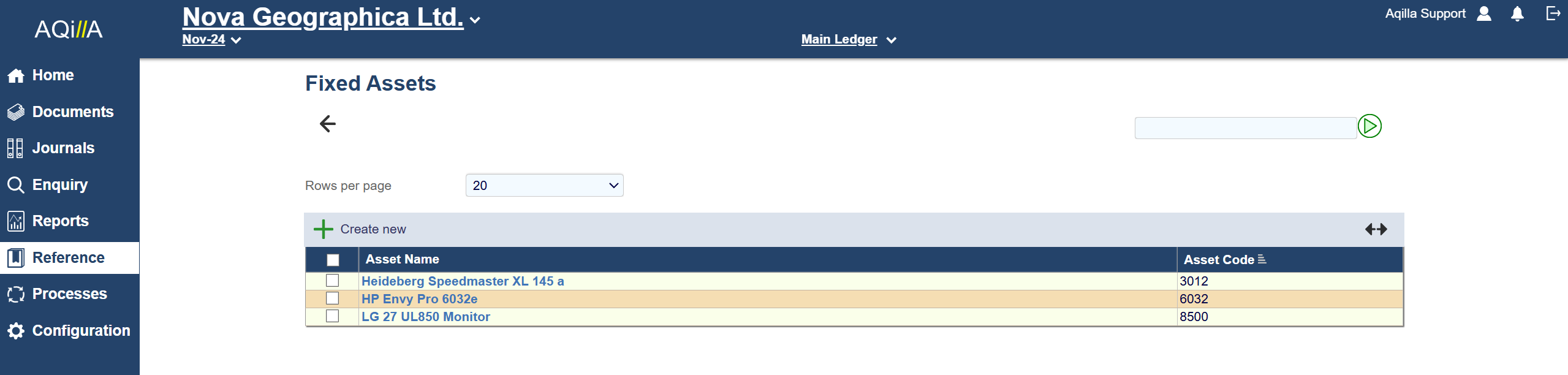
Fixed Asset Fields
A sample Fixed Asset - Details view is shown below:
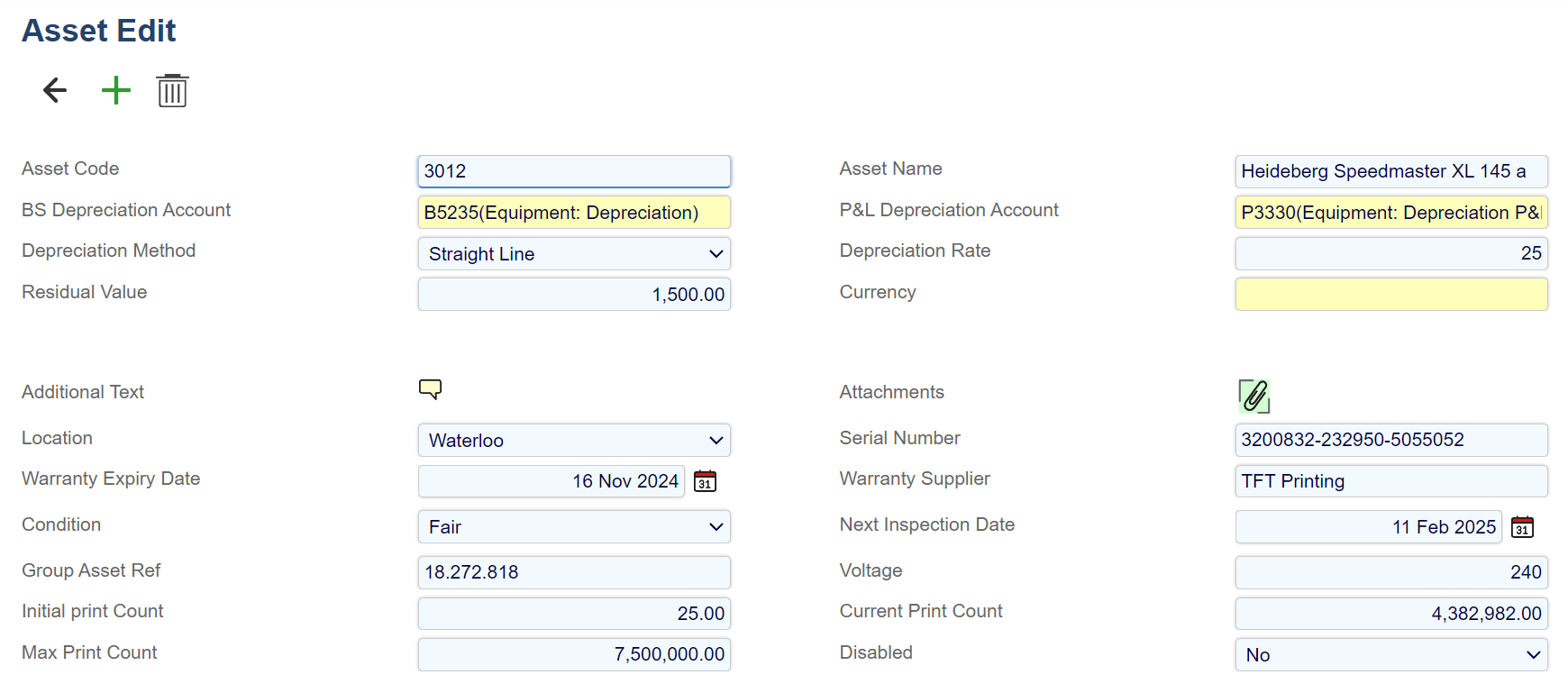
Each standard field on this record is described below. Mandatory fields are highlighted thus.
|
Field Name |
Description |
|---|---|
|
Fixed Asset Name |
The name of the fixed asset - max 60 characters (alphanumeric). |
|
Code |
A code for the asset - max 30 characters (alphanumeric). |
|
BS Depreciation Account |
Self-explanatory. |
|
P&L Depreciation Account |
Self-explanatory. |
|
Depreciation Method |
No Depreciation, Straight Line or Reducing Balance. |
|
Depreciation Rate |
A decimal number. |
|
Residual Value |
The estimated residual value of an asset at the end of its service life. |
|
Currency |
The currency in which the asset is valued. |
|
Notes |
Notes about the asset. |
|
Attachment |
An attachment about the asset. |
|
Disabled |
Yes or No. |
No processing is associated with this function; it is for reference only. The standard asset view is shown above; additional attributes can be created using Configuration > Attribute Wizard.
Depreciation is usually calculated in MS Excel by reference to this record (and other additional attributes) and entered into Aqilla using the Aqilla MS Excel Add-in.