Projects
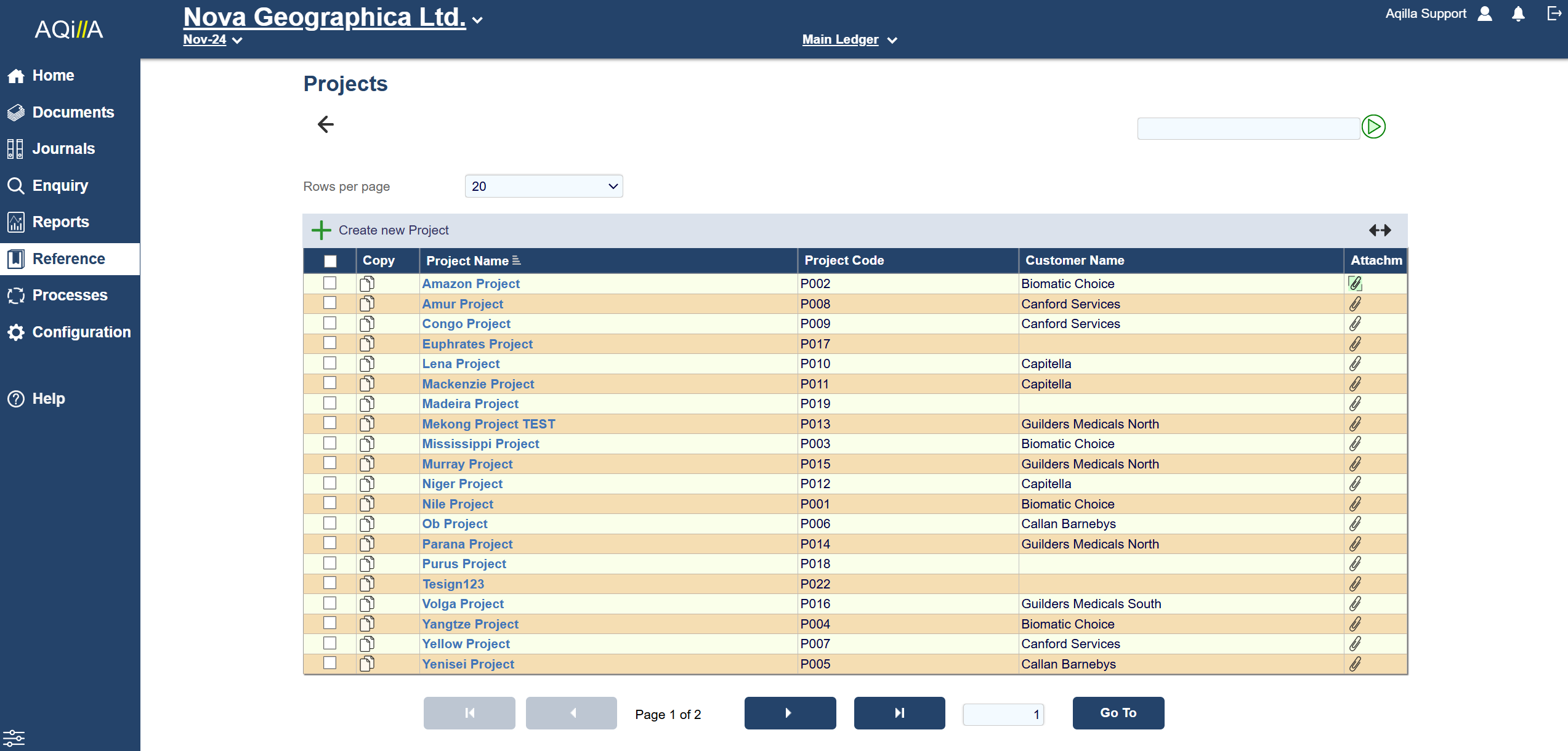
You can use Projects to further analyse your costs and revenue. You can add Project analysis to documents at the header or line level.
A project may be associated with a customer or custom attributes. Using Configuration > Attribute Wizard.
You can associate rates (by people and time types) with a project. These rates can optionally be used to calculate values to be posted to a ledger based on data entered at Documents > Timesheets (Monthly) or Documents > Timesheets (Weekly).
Project Edit Fields
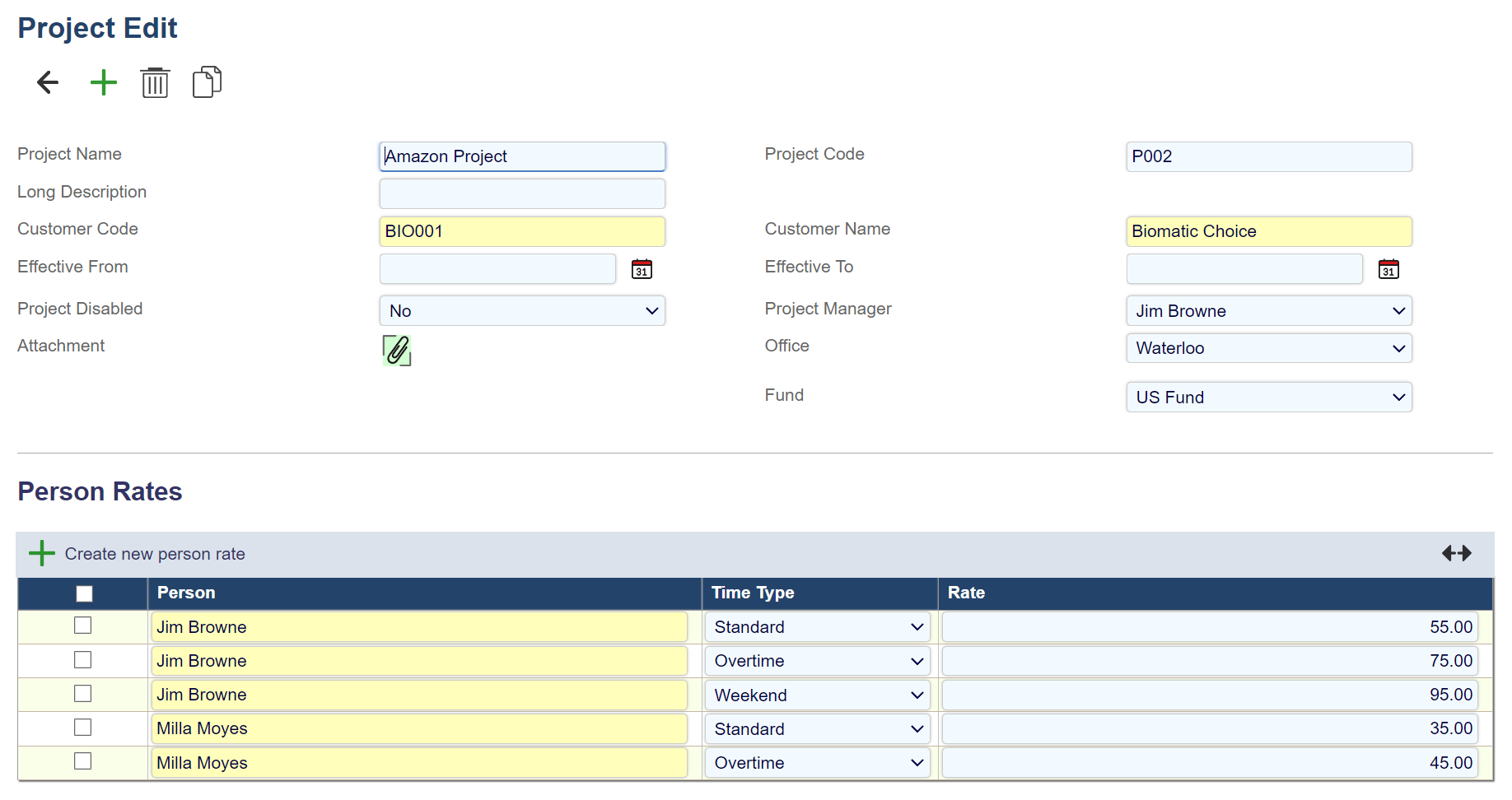
Each field on this record is described below. Mandatory fields are highlighted thus.
|
Field Name |
Description |
|---|---|
|
Project Name |
A name for the project - max 60 characters (alphanumeric). |
|
Project Code |
A code for the project - max 30 characters (alphanumeric). |
|
Long Description |
A long description of the project. |
|
Customer Code |
The customer for the project (linked to below). |
|
Customer Name |
The customer for the project (linked to above). |
|
Effective From |
The project is available for use on and after this date. |
|
Effective To |
The project is available for use on and before this date. |
|
Project Disabled |
No means no disabled features in the project. Entry Disabled stops the entry of the project into new documents but still allows unposted documents to be posted.
|
|
Attachment |
One attached file about the project. |
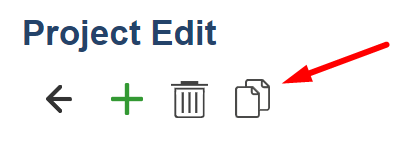
Note that the copy function enables you to copy a project including associated Person Rates.