
Lookup Values
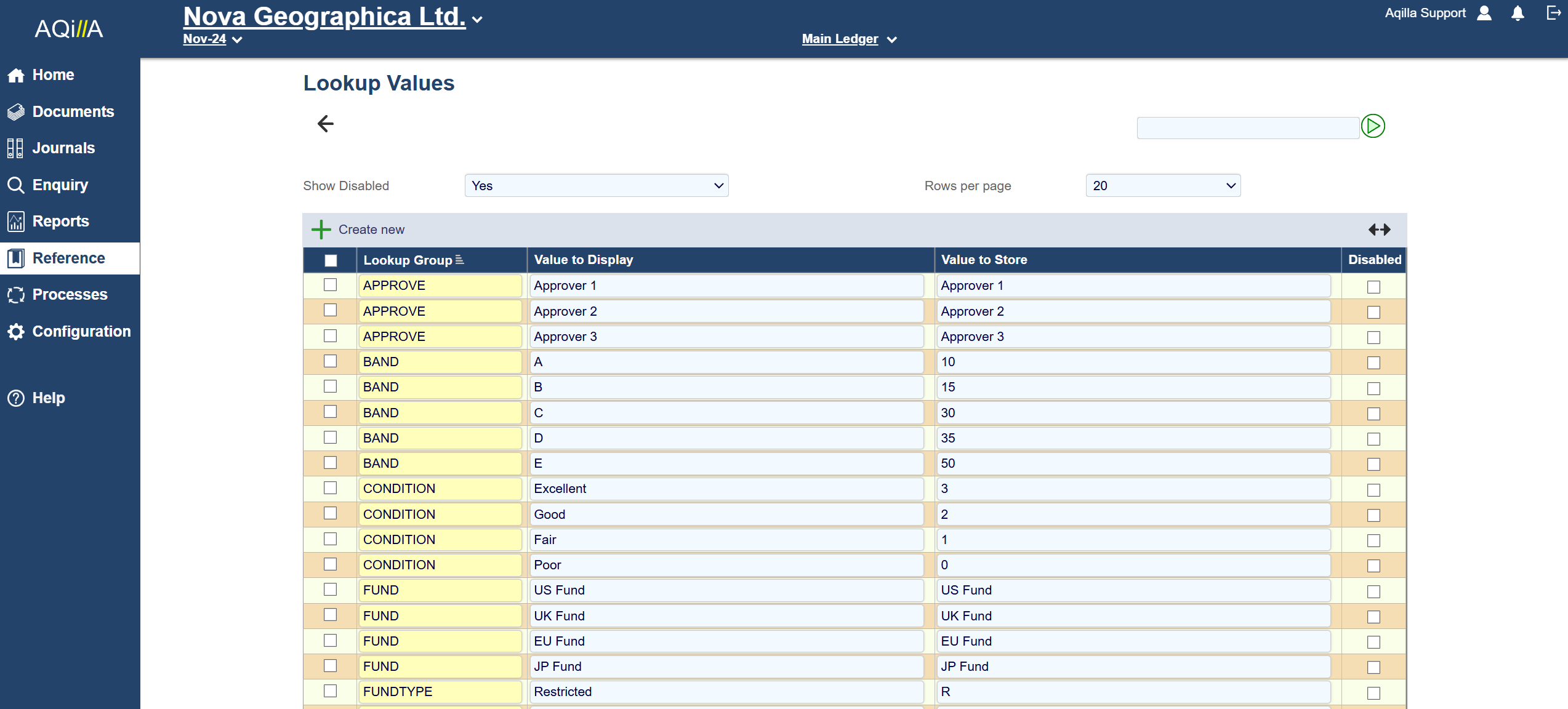
A sample Lookup Values view is shown above:
A lookup value can be associated with an attribute of a document header or line (or a reference record) by using a drop down list or smart search field. Lookup values can also be used by Configuration > Financial Report Layouts, Sharperlight and other Aqilla functions - also see Configuration > Attribute Wizard and Navigation > Data Entry.
Show Disabled Yes or No:
This is an option to disable the value from being selected in a document or reference data. This may be useful for example where a piece of analysis is no longer relevant to day to day business activities going forward.
Disabling a Lookup Value will not affect existing documents or reference data. If the entry of the Lookup Value is by a combo box, it will display "Incorrect value stored". It also does not prevent a user from entering the full display value or prevent a document with the disabled value already entered from being posted.
Lookup Value Fields
Each field on this record is described below. Mandatory fields are highlighted thus.
|
Field Name |
Description |
|
Select |
Used to select multiple records. |
|
Lookup Group |
Used to populate combo controls at Configuration > Attribute Wizard. |
|
Value to Display |
The value to be displayed in the combo control. |
|
Value to Store |
The value to be stored in the Aqilla database. |