
Time Types
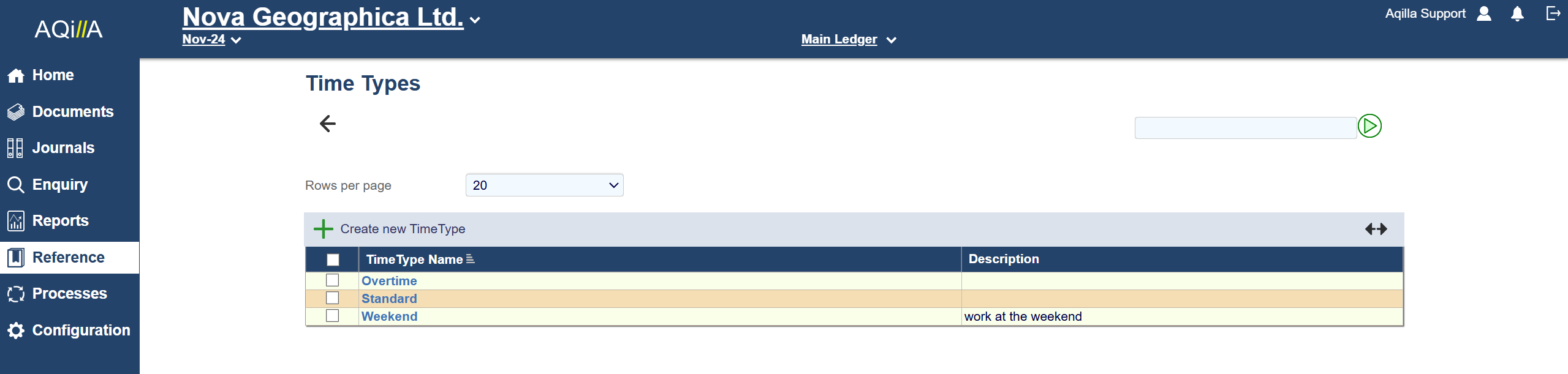
Time Types Edit
A sample Time Type Edit view is shown below:

Each field on this record is described below. Mandatory fields are highlighted thus.
|
Field Name |
Description |
|---|---|
|
Time Type Name |
The name of the time type (e.g. Standard, Overtime). |
|
Description |
An optional description of the time type. |
|
Default |
Set to Yes if the time type is to appear by default on a timesheet line otherwise set to No. Note if you set to Yes all other time types will be set to No. |
Time types may be selected on weekly or monthly timesheet lines. Rates can be defined by combination of person and time types at Reference > Projects.