
ReadyBest practice: Set up a shared group email (e.g., invoices@company.com) including your team and your E2D email address to ensure full visibility of incoming documents and statements.
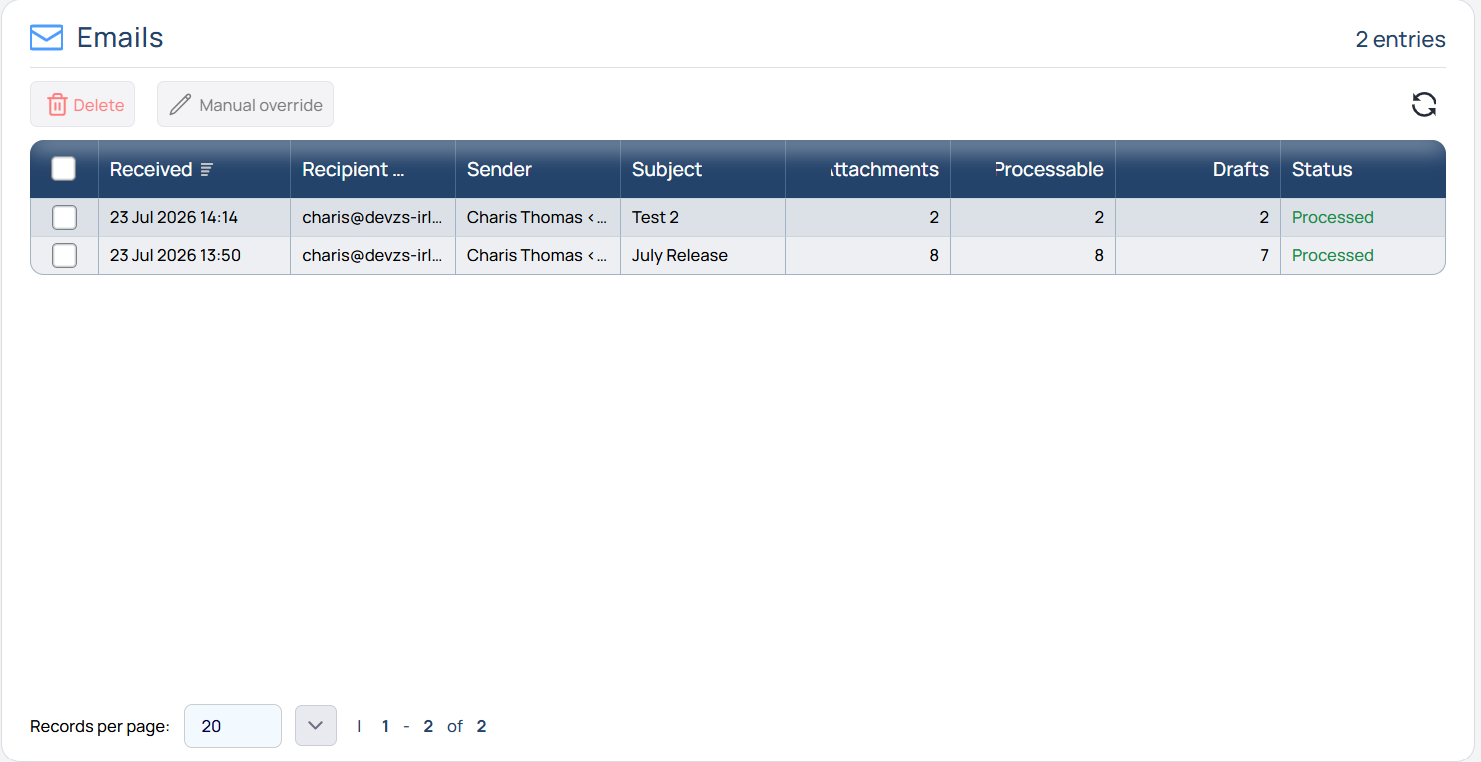
Navigate to the Draft Purchase Invoice Inbox. At the bottom left, find an Email folder listing all emails sent to the E2D mailbox.
|
Field |
Description |
|---|---|
|
Received |
Date and time received in the E2D mailbox |
|
Recipient |
Inbox the email was sent to |
|
Sender |
Sender's email address |
|
Attachments |
Number of files or documents attached |
|
Processable |
Number of files or documents meeting system processing criteria (document type, etc.) |
|
Drafts |
Number of draft invoices created by the system. A single file may contain multiple invoices |
|
Status |
Ready = Received and awaiting processing Processed = Successfully processed |